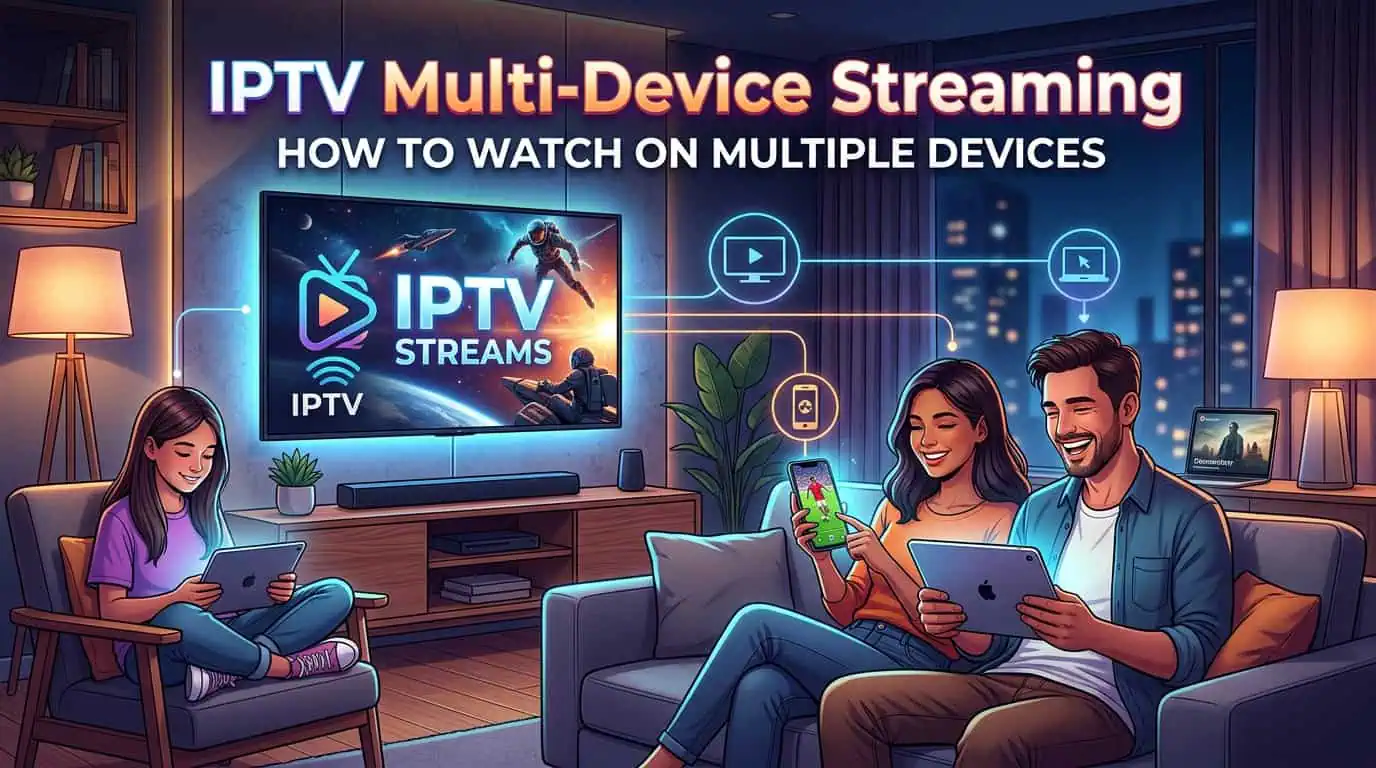
IPTV multi-device streaming allows you to access television content across more than one compatible device. Instead of limiting your subscription to a single screen, a multi-device IPTV plan can be useful for households where different people want to watch different content.
For example, one person may want to watch a sports event on the living-room TV while another watches a movie on a tablet. The exact number of simultaneous streams depends on the subscription and provider terms, so it is important to choose a plan that matches your viewing needs.
BestLiveIPTV currently offers plans with multiple connections and supports a wide range of devices, including Smart TVs, Android, iOS, Fire Stick, MAG Box, Windows, Mac, and Xbox.
Why Use IPTV on Multiple Devices?
A multi-device setup can make an IPTV subscription more practical for families and shared households.
Instead of purchasing separate subscriptions for every screen, you can select a plan with the number of connections you actually need. This can provide greater flexibility when family members have different viewing preferences.
It is also convenient for people who use different devices at home. You might prefer a Smart TV for regular viewing, a Fire Stick for another television, or a mobile device when travelling.
How Many Devices Can You Use?
The number of devices you can use depends on the IPTV package you choose. BestLiveIPTV currently lists one-, two-, and three-connection plans, with different subscription durations available.
Choosing the right number of connections is important. If only one person regularly watches IPTV, a single-connection plan may be sufficient. For a family with multiple viewers, a multi-connection package may be more suitable.
Before purchasing, check whether the plan allows simultaneous viewing and review the provider's current terms.
Which Devices Support IPTV?
One of the main benefits of multi-device IPTV is flexibility. A good setup should work with the devices you already use rather than requiring completely new equipment.
BestLiveIPTV currently lists compatibility with:
- Smart TVs
- Android devices
- iPhone and iOS devices
- Amazon Fire Stick
- MAG Box
- Windows computers
- Mac computers
- Xbox
The service also promotes HD and 4K streaming, EPG functionality, and access to live channels and VOD content.
Choosing the Right Multi-Device IPTV Plan
The best IPTV plan depends on how many people will use the service and how often they watch.
A single-person household may not need multiple connections. However, if several family members regularly watch different content, choosing a two- or three-connection package can provide more flexibility.
BestLiveIPTV offers subscription periods ranging from one month to longer-term options, with pricing varying according to the number of connections.
You can compare the available IPTV subscription packages before deciding which option fits your household.
Internet Speed Matters
Having multiple IPTV connections does not automatically guarantee smooth streaming. Your internet connection also needs to handle the number of streams being used at the same time.
BestLiveIPTV recommends approximately 5 Mbps for SD, 10 Mbps for HD, 15 Mbps for Full HD, and 25 Mbps minimum for 4K Ultra HD.
If several devices are streaming simultaneously, additional bandwidth may be useful. A stable connection, good Wi-Fi coverage, and suitable streaming hardware can also help improve playback.
Tips for Better Multi-Device Streaming
Before using IPTV across several devices, make sure each device is properly connected to your network and configured with the required IPTV application or player.
For better performance, avoid unnecessary downloads while streaming, keep your streaming applications updated, and use a reliable internet connection.
If you experience buffering on one device while another works normally, the issue may be related to the individual device, Wi-Fi signal, application configuration, or available bandwidth rather than the IPTV subscription itself.
Can You Use IPTV on Different TVs?
Yes, IPTV can be used on different televisions when your subscription and setup support multiple connections.
For example, one television could use a Smart TV application while another uses a Fire Stick or Android-based streaming device. The exact setup depends on the devices and IPTV player being used.
Before buying additional hardware, check the provider's supported devices and installation instructions.
Is a Multi-Device IPTV Plan Worth It?
For households with multiple viewers, a multi-device plan can be more convenient than relying on a single connection.
The key is to avoid paying for more connections than you actually need. Consider how many people watch IPTV, whether they watch at the same time, which devices they use, and whether HD or 4K streaming is important to you.
BestLiveIPTV also advertises a 36-hour free trial, giving users an opportunity to test the service before choosing a longer subscription.
Frequently Asked Questions
Can IPTV work on multiple devices?
Yes. IPTV can work across multiple compatible devices when the selected subscription supports multiple connections.
Can I watch IPTV on two TVs at the same time?
This depends on the number of simultaneous connections included in your subscription. Check your provider's package terms before using multiple TVs simultaneously.
What devices can I use with BestLiveIPTV?
BestLiveIPTV lists Smart TVs, Android, iOS, Fire Stick, MAG Box, Windows, Mac, and Xbox among its supported devices.
How much internet speed is needed for IPTV?
The required speed depends on video quality. BestLiveIPTV recommends 25 Mbps minimum for 4K streaming, while lower resolutions require less bandwidth.
Final Thoughts
IPTV multi-device streaming can be a practical option for households where several people want access to television content on different screens.
The most important factors are the number of connections, supported devices, internet speed, streaming quality, and subscription terms. Choosing a plan based on your actual viewing habits can help you avoid paying for unnecessary connections while still giving everyone the flexibility they need.
Before subscribing, review the available IPTV packages, check device compatibility, and use a trial where available to test the service with your own setup.