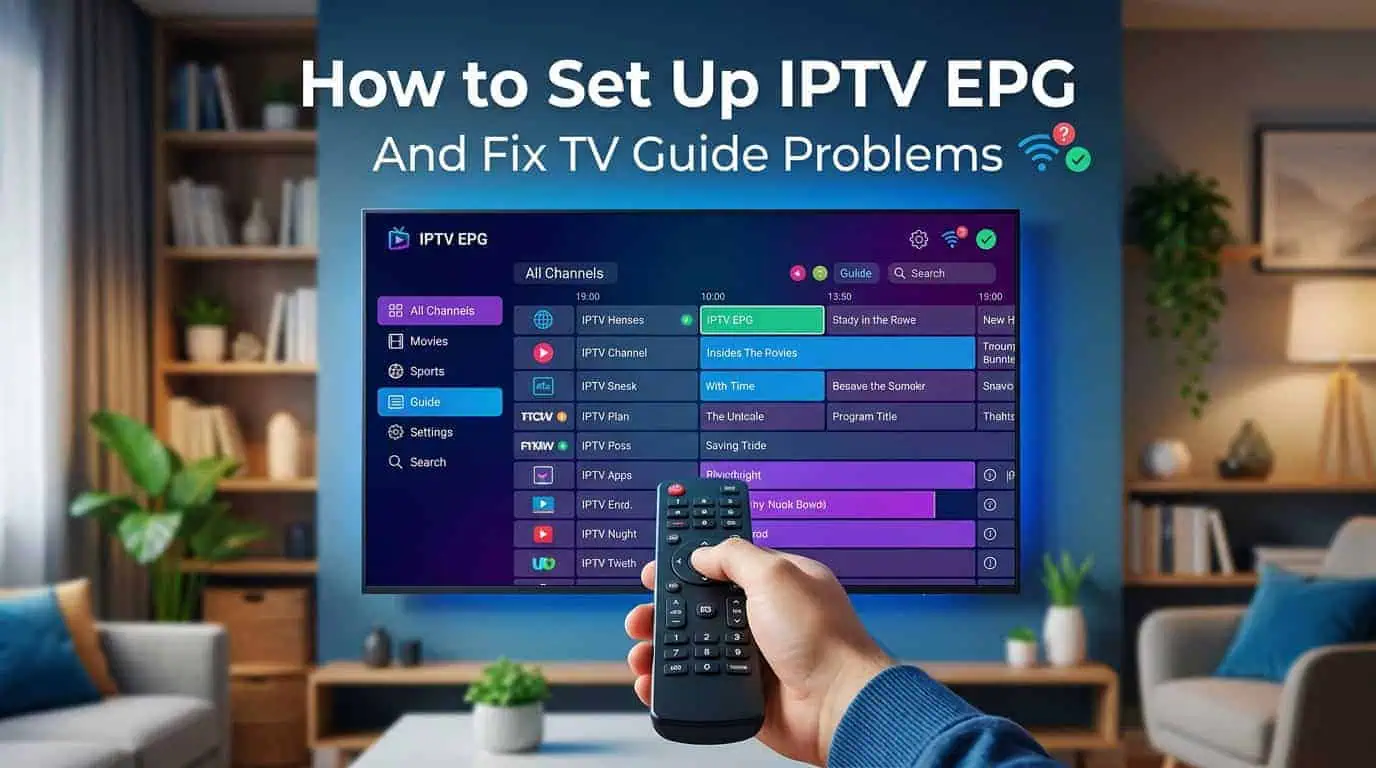
An IPTV EPG, or Electronic Program Guide, gives you a TV schedule directly inside your IPTV player. Instead of scrolling through a long channel list and guessing what is playing, you can see current programs, upcoming shows, and scheduled broadcasts in one place.
BestLiveIPTV includes a TV Guide (EPG) as one of its advertised features, making it easier to browse live programming.
However, an EPG does not always work perfectly. You may see an empty guide, incorrect program times, missing listings, or information that has not updated. These problems are often related to the EPG source, channel matching, refresh settings, or time zone.
What Is an IPTV EPG?
EPG stands for Electronic Program Guide. It is the digital TV schedule displayed inside an IPTV application.
Depending on the service and player, an IPTV guide can show:
- Current programs
- Upcoming programs
- Program names and times
- Channel information
- Program descriptions
- Several hours or days of listings
The channel stream and EPG data are generally separate. Your IPTV player receives the video stream while using EPG data to display the program schedule.
XMLTV is one common format used for providing electronic program listings.
How Does IPTV EPG Work?
The basic process is simple.
Your IPTV service provides channel information and, when supported, EPG data. Your IPTV player then reads the guide information and matches it with the appropriate channels.
Some Xtream-based setups can populate EPG information automatically. Other setups may require a separate XMLTV EPG URL supplied by the provider.
The exact settings depend on the IPTV application and device you use.
How to Set Up IPTV EPG
1. Check Your IPTV Account
Start by checking the information provided with your IPTV subscription.
Look for EPG, TV Guide, or XMLTV information. If your service provides a separate EPG URL, keep it available before opening your IPTV player.
If you need help setting up your service on a supported device, the IPTV installation guides can provide additional setup information.
2. Open Your IPTV Player
Open the IPTV application where you added your playlist.
Depending on the app, look for settings such as:
- EPG
- TV Guide
- Electronic Program Guide
- Programme Guide
- EPG Source
The menu name and location can vary between applications.
3. Add the EPG Source
If your setup requires a separate XMLTV source, enter the EPG URL supplied by your IPTV provider.
Copy the URL carefully. A missing character, extra space, or incorrect address can prevent the guide from loading.
Do not use random EPG sources when your provider has supplied an official one. A provider-supplied source is more likely to match the channel identifiers in your playlist.
4. Refresh the Guide
After saving the EPG source, use the refresh or update option inside your IPTV player.
Large channel lists can take some time to process, so give the application a few minutes during the first update. IPTV EPG guides commonly require a manual refresh after a new source has been added.
5. Check Your Time Zone
If the EPG loads but the program times are wrong, check your device's time zone.
For example, every program may appear one or two hours earlier or later than expected.
Make sure the device and IPTV application are using the correct time zone. If the player provides an EPG time offset, check that setting as well.
Why Is My IPTV EPG Not Working?
If your channels play normally but the guide is empty or incorrect, check these common causes.
The EPG Source Is Missing
Your IPTV player may not have an EPG source configured.
Check the EPG settings and confirm that the correct source has been added.
The EPG Has Not Been Refreshed
Old guide data can become outdated.
Run a manual EPG refresh and allow the application enough time to download the latest information.
If your player has a cache or stored EPG data, restarting the application after the refresh can also help.
Channel Matching Is Incorrect
Sometimes the EPG contains program information but it is connected to the wrong channel.
This happens when channel identifiers in the playlist do not match those in the EPG file. A guide can therefore appear to load correctly while showing the wrong programs.
If your IPTV player supports manual channel matching, check the affected channels and make sure the correct EPG data is assigned.
The Time Is Wrong
If every listing is shifted by the same amount, the problem is more likely to be your time zone or EPG offset than the channel data.
Check your device date and time settings first.
The EPG Source Is Temporarily Unavailable
An EPG source can sometimes be slow or unavailable.
If your playlist works but the guide cannot update, check the source again and contact BestLiveIPTV support if you need confirmation that the EPG service is available.
How to Get a Better IPTV Guide Experience
A few simple habits can make your IPTV TV guide easier to maintain.
Keep your IPTV player updated, use the EPG source provided by your service, refresh the guide when necessary, and keep your device time zone correct.
It is also useful to test several channels after an EPG update. If one channel is missing information while others work normally, the issue may be related to channel mapping rather than the entire EPG system.
BestLiveIPTV EPG and Multi-Device Viewing
BestLiveIPTV advertises EPG support alongside HD and 4K streaming and multi-device compatibility. Its website lists support for platforms and devices including Smart TVs, Android, iOS, Fire Stick, MAG Box, Windows, Mac, and Xbox.
A TV guide can be particularly useful when a service has a large channel selection. Instead of manually searching through channel names, you can use the guide to see what is currently playing and what is coming next.
If you are comparing available IPTV packages, review the features included with each option and choose the plan that matches your viewing needs.
What If Only Some Channels Have EPG Data?
It is possible for some channels to show program information while others remain blank.
This does not always mean the entire EPG is broken. Some providers may not have guide data for every channel, while other channels may have different identifiers that prevent automatic matching.
If only a few channels are affected, check the channel mapping first. If the entire guide is empty, check the EPG source and refresh process.
Final Thoughts
A working IPTV EPG makes a large channel list much easier to navigate. Instead of searching through channels without knowing what is playing, you can view current and upcoming programs directly through your TV guide.
If your IPTV guide is missing or showing incorrect information, start with the EPG source, refresh the data, check channel matching, and verify your time zone.
BestLiveIPTV advertises EPG support as part of its IPTV service, giving users a convenient way to browse live programming alongside its other streaming features.
If you want to try the service, you can review the available IPTV free trial option before choosing a longer subscription.
Always use IPTV services and content that are properly authorized for your location.
Frequently Asked Questions
What does EPG mean in IPTV?
EPG means Electronic Program Guide. It displays current and upcoming program information inside an IPTV player.
Why is my IPTV guide empty?
An empty guide can be caused by a missing or incorrect EPG source, failed refresh, channel matching problems, unavailable guide data, or an issue with the IPTV provider.
What is XMLTV EPG?
XMLTV is a commonly used format for television program listings. IPTV applications can read XMLTV data and display it as an electronic program guide.
Why are IPTV program times incorrect?
Incorrect time zones or EPG offsets are common causes of shifted program times. Check your device and IPTV player time settings first.
How do I refresh my IPTV EPG?
Open your IPTV player's EPG or TV Guide settings and use the available refresh or update option. Some applications may require you to restart the app after the update.
Does BestLiveIPTV have an EPG?
Yes. BestLiveIPTV advertises a TV Guide (EPG) as one of its service features.