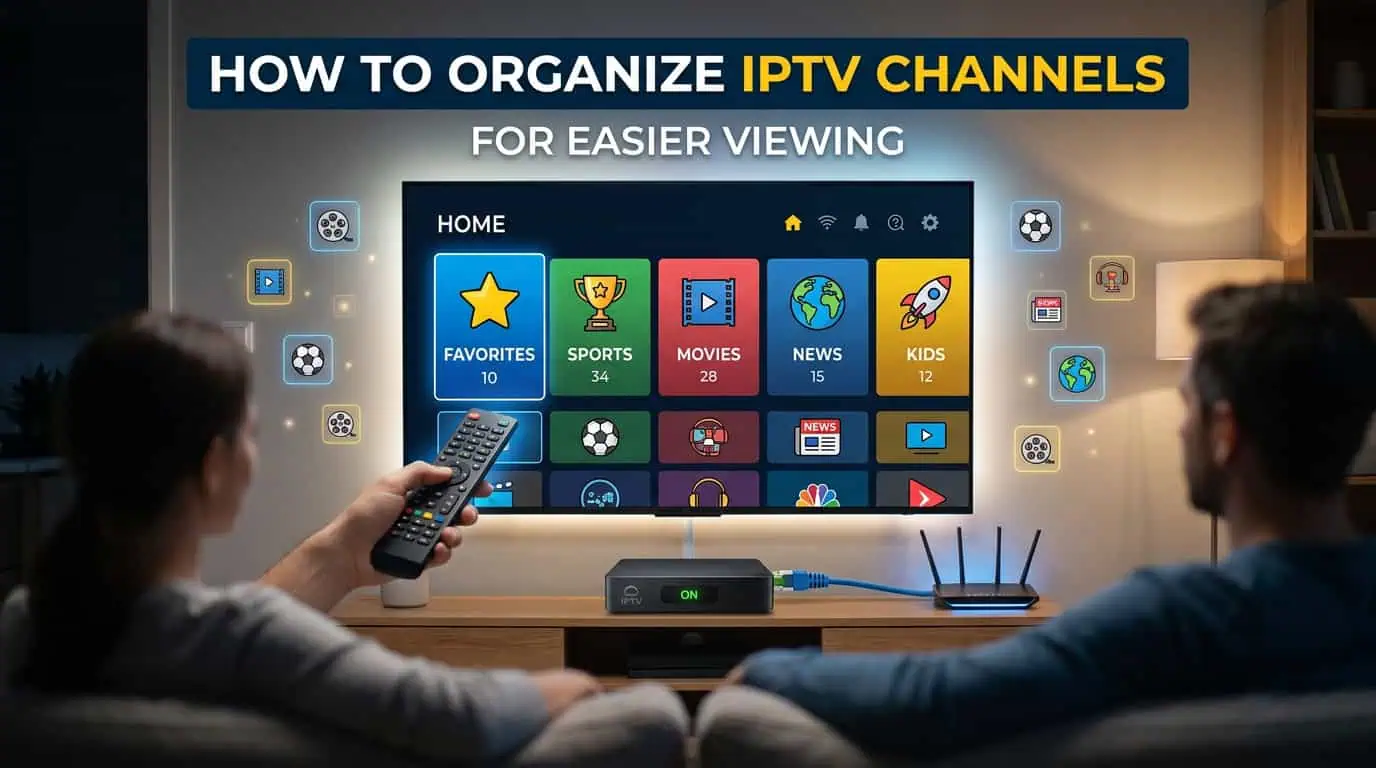
Having thousands of IPTV channels sounds useful until you need to find one specific channel. A large IPTV channel list can quickly become difficult to navigate, especially when it includes different countries, languages, sports, news, movies, and entertainment categories. With a few simple organization steps, you can create a cleaner IPTV setup that makes your favorite content much easier to find.
Why IPTV Channel Organization Matters
A large IPTV library can contain far more channels than you actually watch. Finding your regular channels can become frustrating when everything is placed in one long list.
Good IPTV channel organization helps you:
- Find frequently watched channels faster
- Reduce unnecessary scrolling
- Separate channels into useful categories
- Keep unwanted groups out of your main view
- Make the TV guide easier to navigate
- Create a better viewing experience across your devices
1. Start With Your Favorite IPTV Channels
The easiest way to organize IPTV channels is to create a favorites list.
Think about the channels you watch most often. These could include sports, news, entertainment, movies, or international channels.
Add your regular channels to favorites so you can access them without searching through the complete channel list every time.
Try to keep this list focused. Adding hundreds of channels can make your favorites section almost as difficult to use as the main list.
2. Use IPTV Channel Categories
Most IPTV services organize channels into different groups. Depending on the service and IPTV player, these may be based on content type, country, language, or other factors.
Useful categories may include:
- Sports
- News
- Movies
- Entertainment
- Kids
- Music
- Documentaries
- International channels
Using categories is much easier than scrolling through one large channel list.
3. Hide Channels You Never Watch
A large IPTV list can contain channels that are not relevant to you.
If your IPTV player supports this feature, consider hiding channels or categories that you never use. This can make the interface cleaner without necessarily removing those channels from the original playlist.
You can keep your main screen focused on the content you actually watch.
4. Use Search Instead of Scrolling
Search is one of the most useful features when you have a large IPTV channel list.
If you already know the name of the channel, searching for it is usually faster than manually browsing through hundreds of entries.
Search can be useful when you want to find:
- A specific sports channel
- A news network
- A movie channel
- A particular entertainment channel
- Channels from a specific country
For regular viewing, combine search with favorites so you can find new channels while keeping frequently watched ones easy to access.
5. Create a Simple Viewing Structure
Do not make your IPTV organization unnecessarily complicated.
A simple structure could include:
Favorites: Your most watched channels
Sports: Sports-related channels
News: News networks
Entertainment: General entertainment
Movies: Movie channels
Kids: Children's programming
International: Channels from other countries
The best structure depends on your viewing habits. The goal is to make your IPTV player easier to use.
6. Keep Your IPTV Guide Organized
An electronic program guide can make live TV easier to browse because it shows information about current and upcoming programs.
Once your channels are organized, your guide is also easier to navigate because you can focus on the categories and channels that matter to you.
If the guide shows incorrect times or missing program information, check the EPG settings and device time zone before assuming there is a problem with the channel.
7. Organize IPTV on Each Device
Channel organization can depend on the IPTV player you use. Some favorites and display settings are stored locally on the device.
If you use IPTV on a Smart TV, Fire Stick, phone, computer, or another device, you may need to configure your preferred favorites separately.
For users who are still setting up their service, the IPTV installation guides can help with the initial setup before you organize your channels.
Common IPTV Organization Mistakes
Avoid adding every available channel to your favorites simply because it is available.
Some common mistakes include:
- Keeping every category visible
- Ignoring the search function
- Having too many favorite channels
- Never removing old favorites
- Creating unnecessary categories
- Forgetting to check the guide after changing settings
Your IPTV setup should save you time rather than make navigation more complicated.
How Often Should You Organize IPTV Channels?
You do not need to reorganize your channel list every week.
A quick review every few months is usually enough. Remove channels you never use, update your favorites, and keep your main categories focused.
Your IPTV setup should change as your viewing habits change.
Frequently Asked Questions
What is the easiest way to organize IPTV channels?
Start with your favorite channels, then use categories and search to manage the rest of your IPTV channel list. Hide unnecessary groups if your player supports the feature.
Can I hide unwanted IPTV channels?
Many IPTV players provide options to hide individual channels or categories. The exact features depend on the player.
Should I add every channel to my favorites?
No. Keep your favorites list limited to channels you watch regularly. A smaller list is generally easier to navigate.
Does organizing IPTV channels remove them from my subscription?
Usually, organizing or hiding channels changes how they appear in your IPTV player. It does not necessarily remove them from the provider's playlist.
Can I organize IPTV channels on multiple devices?
Yes, although the process depends on the IPTV player and device. Some preferences may need to be configured separately on each device.
Make Your IPTV Channel List Easier to Use
A large IPTV library becomes much more useful when you can quickly find the channels you actually watch. Start with your favorites, use relevant categories, hide unnecessary groups, and take advantage of search.
If you are looking for an IPTV plan that fits your viewing needs, explore the available IPTV packages.
For setup or account questions, you can also contact BestLiveIPTV support.
Always use IPTV services and content that are properly authorized for your location.