IPTV vs Cable TV: What Is the Difference?
The main difference between IPTV and cable TV is how television reaches your screen. IPTV delivers programmes using Internet Protocol networks. Traditional cable TV delivers channels through a cable provider’s television network, usually using coaxial cables.
For viewers, that difference affects more than installation. It changes which devices you can use, what happens when your internet connection drops, and how much flexibility you have when choosing a subscription.
If you are considering an IPTV service, compare the channels you actually watch, the total cost and the viewing experience on your own devices. A long channel list alone does not tell you whether a service will suit your household.
IPTV vs Cable TV: Comparison Table
This table compares internet-based IPTV subscriptions with traditional cable television. Some providers combine cable channels, streaming apps and internet-delivered TV, so individual packages may overlap.
| Feature | Internet-Based IPTV | Traditional Cable TV |
|---|---|---|
| How it works | Streams television through an IP connection | Delivers television through the provider’s cable network |
| Internet requirement | Requires a working internet connection for internet-based services | Standard cable channels generally work without a home internet connection |
| Equipment | Compatible device, supported app or set-top box | Cable connection and often a receiver or set-top box |
| Devices | May support TVs, streaming devices, phones and computers | Primarily TVs; some providers also offer mobile apps |
| Channel selection | Depends on the provider, package and viewing region | Depends on the cable operator and selected package |
| On-demand viewing | May include movies, series or catch-up features | May include on-demand programmes and DVR options |
| Picture quality | Depends on the source, service, device and connection | Depends on the broadcast, package and equipment |
| Reliability | Affected by internet stability and provider performance | Affected by the cable network, signal and equipment |
| Subscription cost | Varies; include internet and any app or device charges | Varies; include equipment, installation and additional fees |
| Watching away from home | May be available, subject to provider and regional restrictions | Usually requires the provider’s supported streaming app |
| Multiple screens | Depends on the number of simultaneous connections purchased | Depends on receivers, app access and package limits |
| Installation | Often possible using existing compatible equipment | May require a technician or cable connection |
| Contracts | Some subscriptions offer short terms | Some plans require contracts; others offer flexible terms |
How Does IPTV Work?
IPTV stands for Internet Protocol Television. Instead of receiving a traditional television signal, a compatible device receives video data through an IP network and turns it into the picture and sound you watch.
Some IPTV systems run on networks managed by telecommunications providers. Other subscriptions stream through your ordinary home internet connection. This article focuses mainly on the second type.
The setup process depends on the service. You may need a supported application, account details or a compatible receiver. Before subscribing, review the IPTV setup guide and check that your particular device is supported.
A television being “smart” does not automatically mean it supports every IPTV application.
How Does Cable TV Work?
Traditional cable television carries broadcast signals through a cable operator’s network to your home. A receiver or television tuner then makes those channels available on your screen.
This can suit households that mainly watch television in one room and prefer familiar channel numbers, a remote control and a provider-installed connection.
Cable services can also include recording, on-demand libraries and mobile viewing. These features depend on the operator and package, so cable TV should not be treated as live channels only.
IPTV vs Cable TV: Which Costs Less?
IPTV can cost less than some cable packages, but the subscription price is only part of the comparison.
Costs to Consider for IPTV
- The television subscription.
- Your home internet bill.
- Any streaming device you need.
- Separate application charges, if applicable.
- Extra simultaneous connections.
- Data charges if your connection has a usage limit.
Costs to Consider for Cable TV
For cable TV, check installation, receiver rental, additional televisions, premium channels and any price increase after an introductory offer ends.
If you already pay for reliable broadband, IPTV may involve fewer additional costs. If you need an internet upgrade to stream comfortably, the saving may shrink.
Compare the available IPTV subscription packages against your full cable bill over the same period. A monthly plan and an annual upfront payment need different comparisons.
Channels and Content: Check Your Favourites First
A service offering thousands of channels may still miss the programmes your household watches every week.
Start with a short list of essentials: local news, particular sports coverage, children’s programmes, regional language channels and favourite entertainment networks.
Then check whether those channels are available in your viewing region and selected package. Browse the channel information, and confirm important channels before paying.
For movies and series, look beyond the size of the library. Check whether the titles you want are available, whether episodes are complete and whether subtitles or suitable audio options are included.
Content availability can change. Neither IPTV nor cable should be chosen on channel count alone.
Picture Quality and Buffering
IPTV is not automatically sharper than cable TV. Both can provide a good picture when the programme source and equipment support it.
With internet-based IPTV, the experience also depends on connection stability, available bandwidth, Wi-Fi conditions and the provider’s delivery systems. A fast internet plan cannot fix every streaming problem.
Likewise, a “4K” label does not mean every channel or programme is delivered in native 4K.
When testing IPTV, watch during the hours you normally use television. Try changing channels, playing on-demand content and watching while other people use the internet.
If your device supports Ethernet, a wired connection can help reduce problems caused by weak or crowded Wi-Fi. Traditional cable channels usually avoid home Wi-Fi issues, although cable signal faults can still interrupt viewing.
Which Is Better for Multiple Devices?
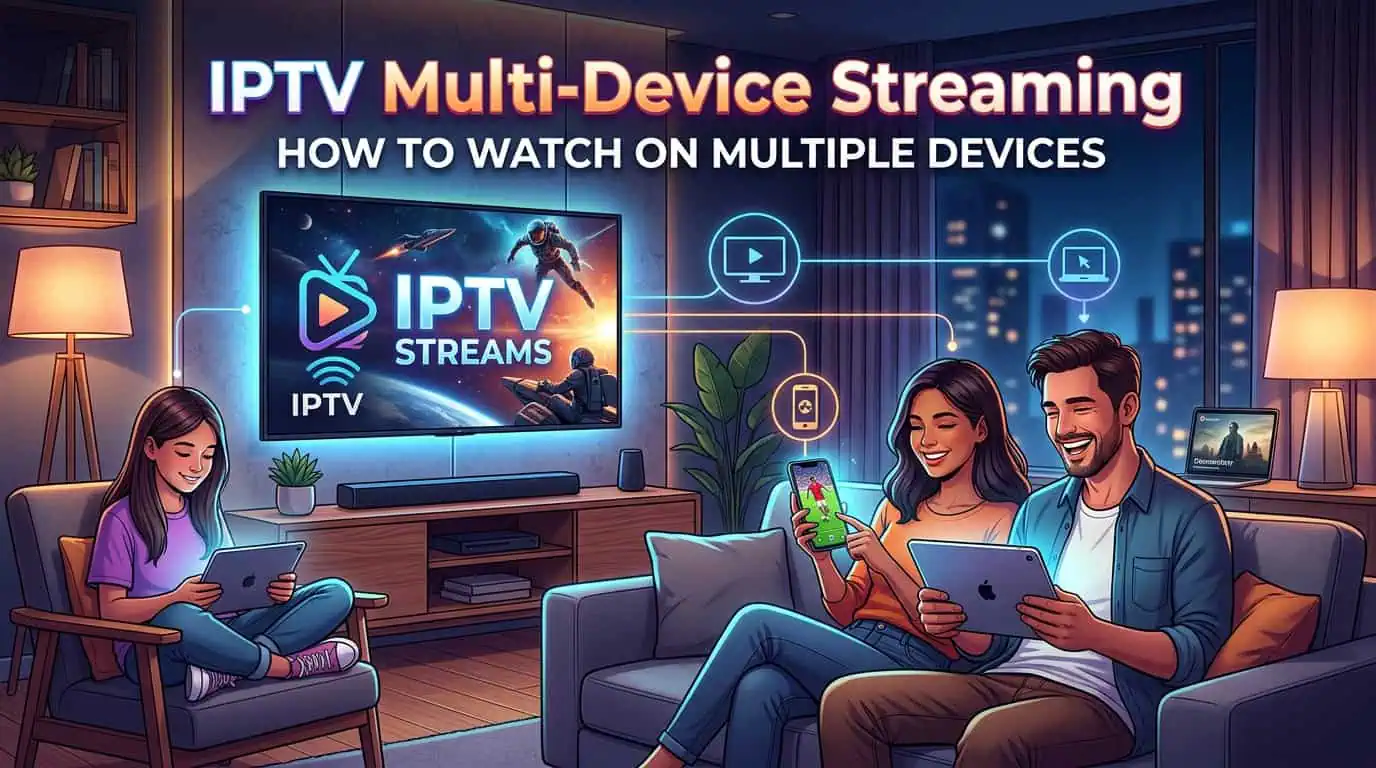
IPTV may suit households that want to watch on different types of screens. Depending on the service, you might use a television in the living room, a computer elsewhere or a supported mobile device.
However, device compatibility and simultaneous viewing are different things. A subscription that works on several devices may allow only one active stream at a time.
Before paying, confirm:
- Which devices and applications are supported.
- How many streams can run together.
- Whether viewing outside the home is allowed.
- Whether location restrictions apply.
Cable providers may offer similar flexibility through their own apps. Compare the actual rules rather than assuming either option includes unlimited screens.
Should You Choose IPTV or Cable TV?
IPTV may suit you if you already have stable internet, want supported viewing across different devices and prefer setting up a streaming application yourself.
Cable may suit you if your internet connection is unreliable, your household mainly watches on televisions and you prefer provider-installed equipment.
Before cancelling an existing service, test the replacement where possible. Check the channels you need, evening performance, support response and total cost. Also review any cancellation charges on your current subscription.
For internet-delivered television, choose a provider authorised to distribute the content it offers in your region. The delivery technology alone does not establish those rights.
FAQs About IPTV vs Cable TV
1. What is the main difference between IPTV and cable TV?
IPTV uses IP networks to deliver television. Traditional cable TV carries television signals through a cable operator’s network. This affects equipment, connectivity and viewing options.
2. Does IPTV work without internet?
Internet-based IPTV subscriptions need a working internet connection. Some managed IPTV services use a provider’s dedicated network, but they still require that network connection.
3. Is IPTV always cheaper than cable?
No. Compare the subscription, internet costs, equipment and extra connections. Cable bundles or promotional prices can also change which option costs less.
4. Can I use IPTV on my existing television?
Possibly. Your TV must support the required application, or you will need a compatible external streaming device or receiver.
5. Can multiple people watch IPTV at the same time?
Only if the subscription allows enough simultaneous connections. Support for several devices does not automatically include multiple active streams.
6. Should I cancel cable before trying IPTV?
Test IPTV first if possible. Confirm channel availability, reliability and device support before cancelling a service your household already uses.
Compare Before You Switch
The better choice depends on how you watch television. Focus on your essential channels, connection quality, supported devices and full subscription cost.
Visit BestLiveService to review the available options and ask about anything your household needs before subscribing.