Things You Must Know About IPTV in 2026
Before buying an IPTV subscription in 2026, check the channels you want, your device compatibility, internet requirements and simultaneous connection limits. Compare the complete cost, read the subscription terms and test the service where possible. These checks tell you more than a large channel count or a promise of perfect streaming.
You might be replacing a cable package, looking for programmes in another language or setting up television on a second screen. Whatever your reason, choosing an IPTV streaming service starts with understanding what you need and what the provider actually includes.
This guide explains the practical details that matter before you subscribe.
1. IPTV Is a Delivery Technology, Not One Standard Package
IPTV stands for Internet Protocol Television. It refers to television delivered through networks using internet protocols.
However, the term does not describe one fixed product. Different providers can offer different channels, applications, connection limits and viewing features.
There is also a distinction between managed IPTV, delivered through an operator-controlled network, and television streamed over public broadband. People commonly use “IPTV” when searching for either, even though the delivery arrangements differ.
Before comparing subscriptions, understand these three parts:
- Provider: The company or operator supplying the service.
- Subscription: Your entitlement to access particular content and features for a stated period.
- Player: The application or software used to watch supported streams.
An IPTV player may be free or paid, but installing it does not necessarily provide television channels. A player licence and a content subscription can be separate purchases.
2. Live TV, Video on Demand and Catch-Up Are Different Features
A provider may advertise several ways to watch. Understanding the differences helps you avoid paying for a feature that does not work as expected.
| Viewing Feature | What It Means | What to Confirm |
|---|---|---|
| Live TV | Watching a channel as it broadcasts | Availability of your preferred channels |
| Video on demand | Selecting a film or programme from a library | Included titles, languages and playback options |
| Catch-up TV | Watching previously broadcast programmes | Supported channels and the catch-up period |
| Recording | Saving programmes for later viewing | Whether recording is supported and any limits |
Live TV Follows a Broadcast Schedule
Live television suits viewers who want scheduled news, entertainment and other broadcasts. A programme guide can help you see what is playing and what comes next.
Check whether the guide covers the channels you use. Having an EPG feature does not necessarily mean every listing is complete.
Video on Demand Gives You a Separate Content Library
Video on demand, often shortened to VOD, lets you choose from available titles rather than follow a channel schedule.
The library may differ from what is available through your existing streaming subscriptions. Confirm specific titles if they are important to your decision.
Catch-Up and Recording Depend on the Service
Catch-up access is usually limited to particular channels and time periods. Recording may depend on the provider, player or device.
Ask about these features individually instead of assuming that a package with live TV includes them all.
3. Check Your Exact Device Before Buying
“Smart TV compatible” is a starting point, not a complete answer.
Televisions use different operating systems, and an application available on one may not be available on another. Compatibility can also depend on the model, software version and supported playback formats.
Smart TVs May Require Different Applications
Before subscribing, identify your television’s brand, model and operating system. Then ask which application the provider recommends and whether it is available for that device.
Find out whether the application has a separate fee. This prevents an unexpected cost after purchasing the subscription.
Streaming Devices and Phones Have Their Own Requirements
A streaming stick, television box, phone or tablet may need a different installation process.
Review the provider’s IPTV setup instructions and confirm support for your exact equipment. Follow official guidance rather than assuming that any IPTV app will work.
Existing hardware may be sufficient, so check compatibility before buying another device.
4. Internet Stability Matters Alongside Speed
A fast broadband package does not guarantee uninterrupted IPTV viewing.
Performance depends on the connection reaching your device, other household activity, the stream itself and the provider’s delivery capacity.
Wi-Fi Coverage Can Affect an Otherwise Fast Connection
A television at the opposite end of the house may receive a weaker signal than a phone beside the router.
Downloads, video calls and several simultaneous streams can also compete for bandwidth. Where supported, testing with an Ethernet connection can help identify whether Wi-Fi is contributing to a problem.
HD and 4K Need Suitable Content and Hardware
A 4K television cannot turn an ordinary stream into genuine 4K content. The programme, player, streaming device and display must support the relevant format.
Bandwidth requirements vary with resolution, compression and the number of active streams. Ask the provider for its recommended connection requirements instead of relying on a universal speed claim.
A Speed Test Cannot Prove Provider Reliability
A speed test measures part of your connection performance. It does not establish whether a provider can deliver your chosen channel consistently.
Test on your normal device during your usual viewing hours. That is more useful than checking only when the household network is quiet.
5. Verify the Channels You Actually Want
An extensive catalogue is not automatically a good match for your household.
Start with a short list of essential channels, languages and programme categories. For example, you might need local news, children’s programming and channels in your family’s preferred language.
Check that list against the provider’s available IPTV channels.
Use a simple shortlist:
| Your Requirement | What to Check |
|---|---|
| Essential channel | Exact channel name and current availability |
| Preferred language | Audio options and subtitles where relevant |
| Important programme | Whether it is available in your location |
| Picture quality | Quality of the specific stream |
| Programme guide | Whether listings are available and accurate |
Ask about any channel that is central to your purchase. A channel appearing in a list does not establish that every programme is accessible in every region.
Channel counts can also include regional versions, duplicates or different quality options. The channels you will actually watch are a better measure of value.
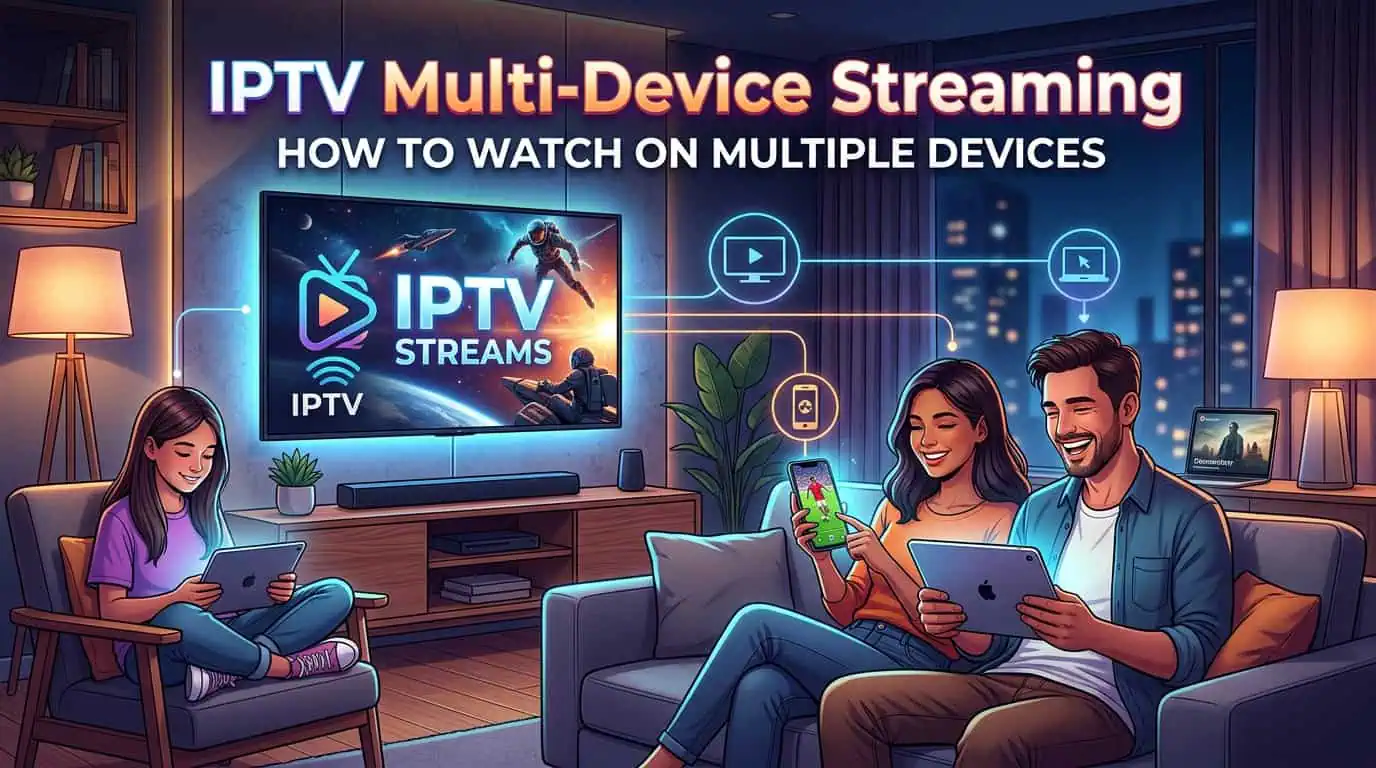
6. Multiple Devices Do Not Always Mean Multiple Simultaneous Streams
Device support and connection allowance are different things.
A subscription might work on your television, tablet and phone while allowing only one active stream at a time.
If two family members want to watch different channels simultaneously, you need a plan that permits that use.
Before choosing among IPTV subscription plans, confirm:
- How many streams can run at once.
- Whether additional connections cost extra.
- Whether connections must remain within one household.
- Whether network or location restrictions apply.
- What happens when the connection limit is reached.
For example, two compatible televisions do not automatically mean both can play content under a one-connection plan.
Choose the allowance your household needs rather than paying for extra connections you rarely use.
7. Compare the Total Subscription Cost
The advertised package price is only one part of the decision.
Your total spending may include an application licence, additional connections, equipment or a broadband upgrade. You may also keep another streaming subscription for programmes unavailable through the IPTV service.
Include Equipment and Internet Costs
Use this worksheet when comparing options:
| Cost Item | Question to Ask |
|---|---|
| Subscription | What is the complete payment for the chosen period? |
| Application | Is a separate player licence required? |
| Equipment | Will my current device work? |
| Broadband | Is my existing connection suitable? |
| Extra connections | What does additional simultaneous viewing cost? |
| Other services | Which subscriptions will I still keep? |
A household with suitable broadband and compatible equipment may need no new hardware. Another household may face additional costs that change the comparison.
Read Renewal, Cancellation and Refund Terms
Check whether renewal is automatic or manual, when access expires and how cancellation works.
Do not assume that cancelling produces a refund. Refund eligibility and cancellation are separate matters.
Also confirm the payment currency and whether the displayed price includes applicable charges.
Assess Longer Plans After Testing
A longer subscription may reduce the average monthly cost, but it also means paying more upfront.
Choose the commitment based on your experience, requirements and the written terms. A lower monthly equivalent is not useful if the service does not fit your viewing needs.
8. Test Everyday Performance Before Committing
If the provider offers a trial, use it to answer specific questions rather than simply checking whether a channel opens.
A practical IPTV trial checklist includes:
- Open the channels you watch most often.
- Watch during your normal evening hours.
- Check picture quality and audio consistency.
- Switch between several channels.
- Review the programme guide.
- Test permitted simultaneous connections.
- Ask support a genuine setup question.
Test with your usual household activity running where practical. A service that works on a quiet network may behave differently when several people are online.
One successful trial cannot guarantee future performance. However, it gives you more useful evidence than promotional claims alone.
If no trial is available, ask what options exist for assessing compatibility and what the written refund policy covers.
9. Check Provider Transparency and Content Distribution Rights
IPTV describes a delivery method. It does not, by itself, establish whether a particular service is authorised to distribute its advertised content.
Look for clear information about the operator, accessible contact details and an explanation of content distribution rights.
A paid subscription, professional website or large channel catalogue is not sufficient evidence of authorisation.
Before purchasing, check whether you can find:
- The operator’s identity.
- Service and payment terms.
- Contact information.
- Relevant privacy information.
- An explanation of rights to offer the content.
Requirements and availability can vary by location. Seek clarification where necessary rather than assuming that a service’s availability online settles every question.
10. Understand Setup Details and Protect Your Account
The setup method depends on the provider and supported application.
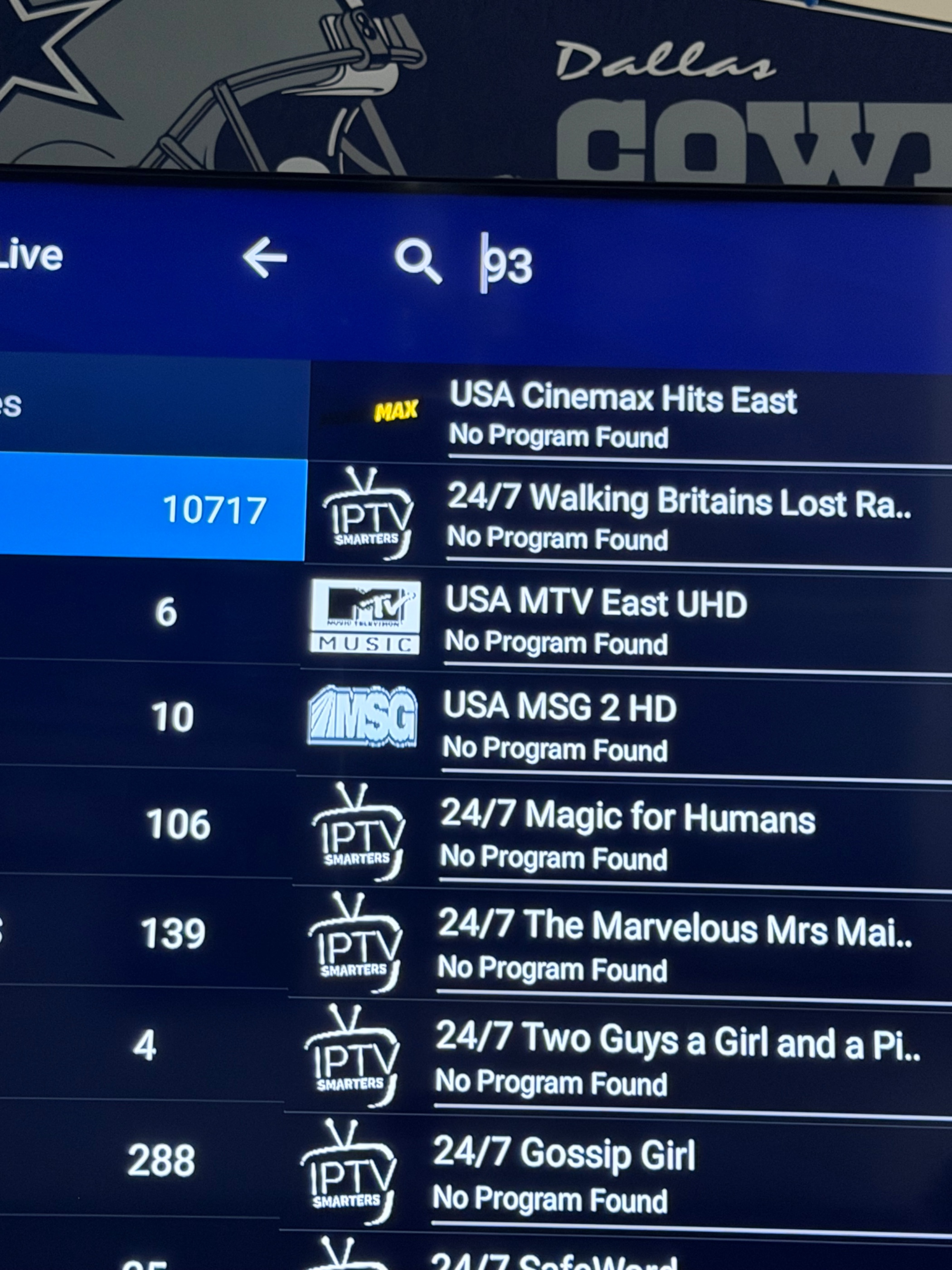
You may receive an account login, playlist link or portal details. Some services use an M3U playlist, which provides a list of media stream locations. Others use a login-based method.
Ask which setup method applies before purchasing software or equipment.
Follow Official Installation Instructions
Use supported applications from trusted sources and follow the provider’s instructions.
Avoid installing unknown software simply because it promises additional channels. Check requested permissions and keep your device software updated.
Keep Subscription Credentials Private
Treat playlist links and account details like passwords. They may allow access to your subscription.
Do not post them in public forums or include them in screenshots shared for troubleshooting.
Check Provider Rules Before Using a VPN
A VPN can affect connection performance and how a service handles your location. Compatibility depends on the provider.
It does not establish content distribution rights or guarantee access to restricted programmes. Ask about the service’s rules rather than assuming a VPN is required.
For provider-specific questions, review the IPTV setup FAQs or contact support.
How to Evaluate BestLiveService for Your Household
When considering BestLiveService, use the same practical checks you would apply to any provider.
Start with your preferred channels and exact device. Then compare subscription duration, connection allowance, total cost and written terms.
Review the package information, channel details and setup guidance together. If something remains unclear, contact BestLiveService before paying.
Useful questions include:
- Does the service support my exact television or streaming device?
- Are my essential channels currently available in my location?
- How many connections does the selected plan include?
- Is there a separate application fee?
- Can I test the service before committing?
Specific answers make comparison easier and help you choose based on your household’s needs.
Frequently Asked Questions
Do IPTV Players Charge Separately From the Subscription Provider?
Some do. A player may have a one-time or recurring licence fee that is separate from the content subscription. Confirm both costs before setting up the service.
Can I Keep My Existing Streaming Device When Changing IPTV Providers?
Often, you can, provided the new service supports the device and its applications. You may need to update login details or use a different player. Check compatibility before replacing hardware.
Why Can the Same Channel Work Differently on Two Devices?
Devices may use different applications, playback formats or network connections. One may also have stronger Wi-Fi reception or better processing capability. Comparing both on the same network can help narrow down the cause.
What Happens When an IPTV Subscription Expires?
Access may stop until you renew, depending on the provider’s terms. Check the expiry date, renewal procedure and whether payment is automatic. Do not assume that your account settings or favourites will remain available indefinitely.
Can I Use My IPTV Subscription While Travelling?
That depends on location restrictions, distribution rights and the provider’s account rules. Confirm access in your destination before travelling, and consider the reliability of the connection you will use.