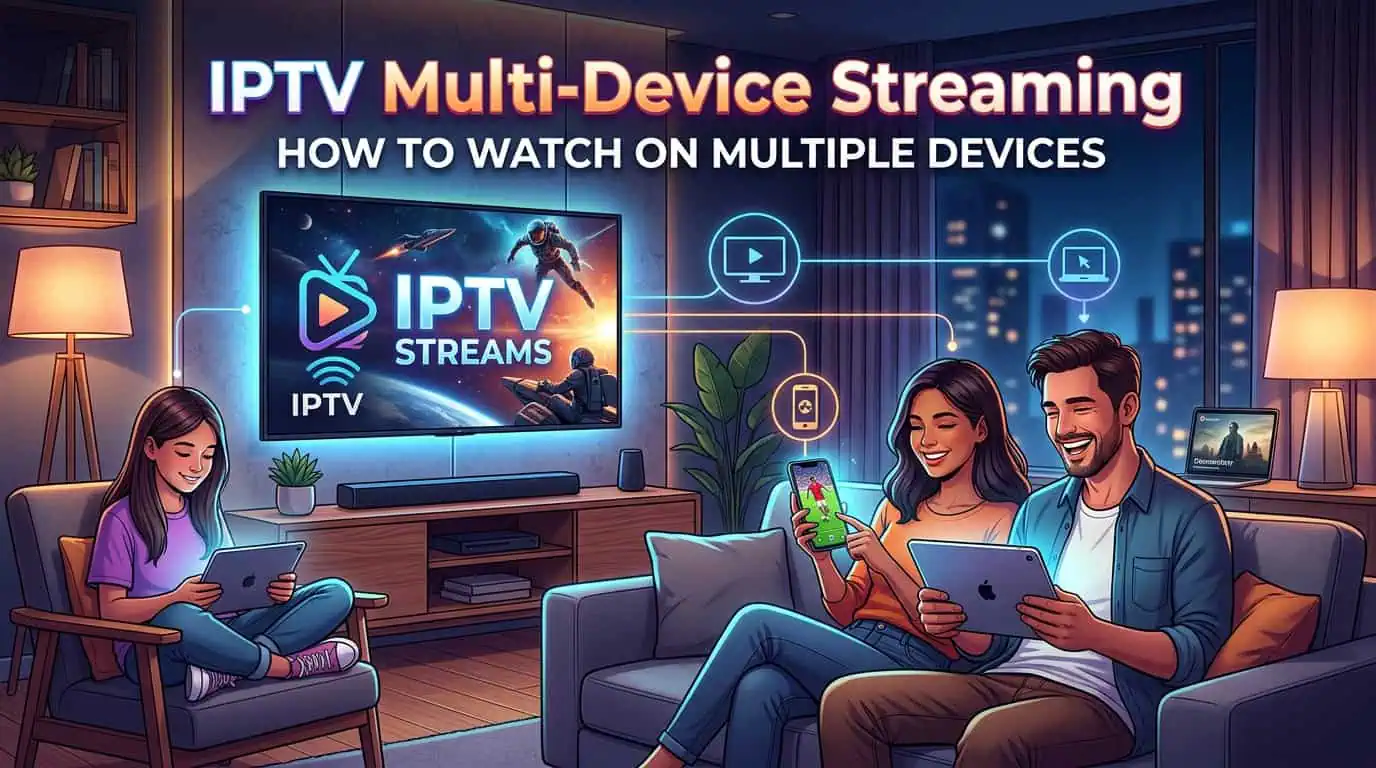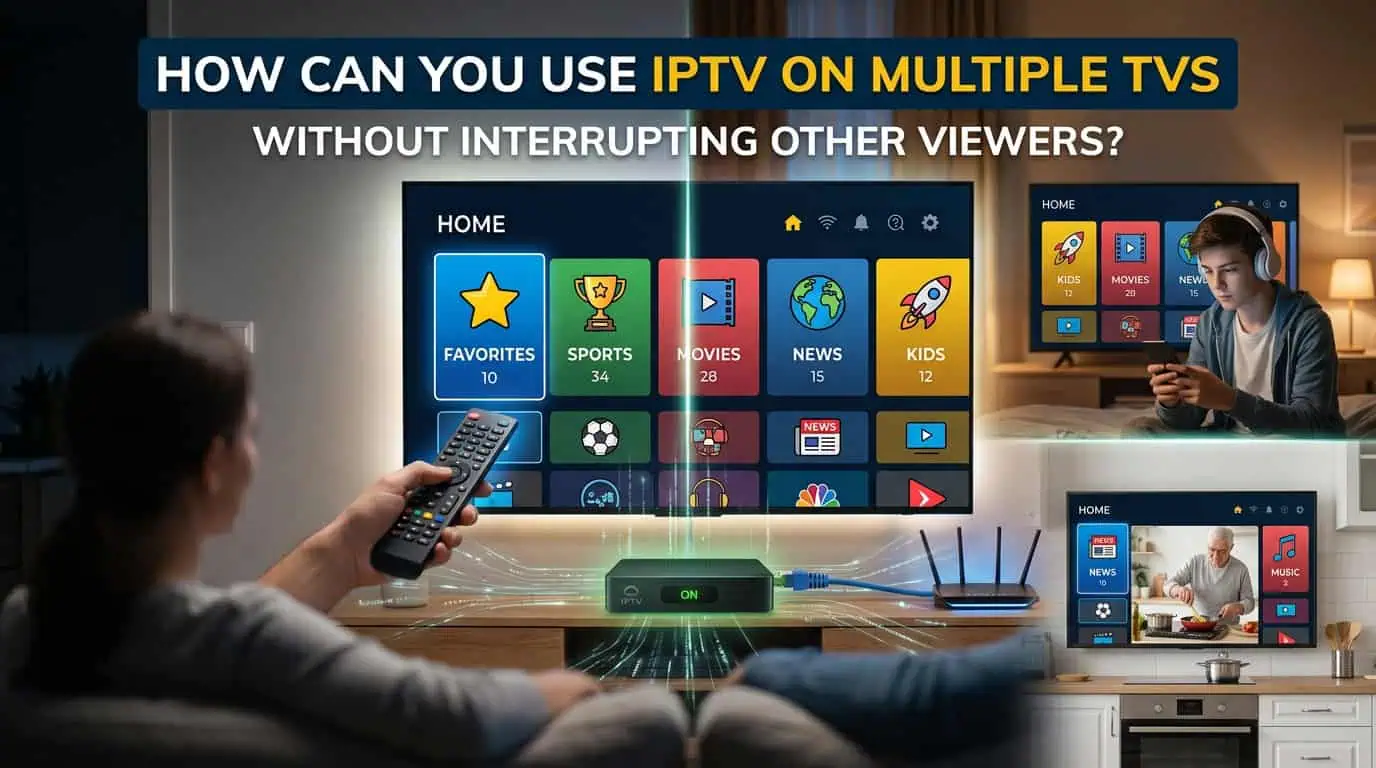
Using IPTV on multiple TVs is possible when your subscription supports enough simultaneous connections and your internet connection can handle the combined streaming load. Before connecting several screens, check your IPTV package, supported devices, network speed, and whether the provider allows multiple streams at the same time. A correct setup helps family members watch different content without one screen stopping another.
What Does IPTV on Multiple TVs Mean?
Using IPTV on multiple TVs means watching live channels or on-demand content on more than one screen through the same IPTV subscription. For example, one person may watch a sports channel on the living room TV while another watches a movie on a bedroom Smart TV.
However, multiple devices and simultaneous connections are not always the same thing. A provider may allow you to install an account on several devices but limit how many devices can stream at the same time.
This difference is important when choosing an IPTV package for a household.
Check Your IPTV Simultaneous Connection Limit
The first step is to confirm how many connections your plan supports. A one-connection plan may work for one active stream at a time. If two or more people try to watch different channels together, one stream may stop or show a connection error.
Before selecting a package, consider how many people may watch IPTV at the same time:
- One viewer may only need a single connection.
- A couple may need two simultaneous connections.
- A family with several TVs may need three or more connections.
- A larger household should check the provider’s maximum connection options before ordering.
BestLiveIPTV offers different subscription options based on the number of connections. Review the available IPTV packages before choosing a plan for your home.
Can You Watch IPTV on Two TVs at the Same Time?
Yes, you can watch IPTV on two TVs at the same time if your subscription allows at least two simultaneous connections. Each TV must also use a compatible IPTV player and the correct account details.
For example, you could connect:
- A Smart TV in the living room
- A Fire Stick in the bedroom
- An Android TV box in another room
- A mobile device for personal viewing
The exact number of active streams depends on your subscription terms. Installing the service on several devices does not automatically mean all of them can stream together.
Make Sure Your Internet Connection Is Strong Enough
Multiple IPTV streams use more bandwidth than one stream. If two TVs are playing HD content at the same time, your network must support both streams along with other household activity.
Your internet connection may also be used by:
- Smartphones
- Gaming consoles
- Video calls
- Security cameras
- Downloads
- Smart home devices
If the internet connection is already busy, IPTV may experience buffering or lower picture quality. A wired Ethernet connection is often a useful option for a main TV, while a strong 5 GHz Wi-Fi connection may work well for nearby devices.
For better results, avoid placing the router behind furniture or inside a closed cabinet. Keep it in a central location and test the signal in each room where IPTV will be used.
Use Compatible IPTV Players on Each Device
Different TVs and streaming devices may require different IPTV players. The best option depends on the device’s operating system and the apps available in its store.
Before starting the setup, check whether your device supports:
- Smart TV IPTV applications
- Fire Stick IPTV players
- Android TV applications
- iPhone or iPad players
- Windows or Mac software
- MAG or other supported receivers
You may not need to use the same application on every screen. The important point is to enter the correct login details and follow the provider’s setup instructions for each device.
If you need help connecting a new screen, use the BestLiveIPTV installation guides for device-specific instructions.
Avoid Using More Streams Than Your Plan Allows
One of the most common causes of interruption is exceeding the connection limit. For example, if your package supports two simultaneous streams and three devices begin playing at once, the third stream may fail or another device may disconnect.
To avoid this problem:
- Check the connection limit before adding another device.
- Close the IPTV app when you are finished watching.
- Avoid leaving streams running in the background.
- Confirm whether the provider counts inactive sessions.
- Contact support if a closed stream remains active.
Some IPTV players may keep a session open for a short period after the app is closed. Waiting briefly before starting another stream may solve the issue.
Choose the Right IPTV Package for Your Household
The best package is not always the longest plan. It should match the number of people who watch at the same time.
When comparing IPTV packages, check:
- Number of simultaneous connections
- Supported devices
- Live channel access
- VOD availability
- EPG support
- Subscription duration
- Renewal terms
- Customer support options
A household with two regular viewers may not need a high-connection plan. On the other hand, choosing a single-connection plan for a busy family may lead to repeated interruptions.
What to Do If One TV Stops When Another Starts
If one TV stops playing when another device starts, the first thing to check is the simultaneous connection limit. If the limit has not been reached, try these steps:
- Close the IPTV app on unused devices.
- Restart both streaming devices.
- Reload the playlist or account.
- Check that each device uses the correct credentials.
- Test the internet speed on both TVs.
- Restart the router if several devices are having problems.
- Contact BestLiveIPTV support if the issue continues.
Do not immediately reinstall every application. First confirm whether the problem is related to the account limit, network connection, or device configuration.
Final Thoughts
Using IPTV on multiple TVs can be convenient for families, but the setup works best when the subscription, internet connection, and devices are properly matched. Check the number of simultaneous connections before ordering, use compatible IPTV players, and make sure your network can handle more than one stream.
Always use IPTV services and content that are properly authorized for your location.
Frequently Asked Questions
Can I use one IPTV subscription on multiple TVs?
You may be able to use one subscription on multiple TVs, but the number of active streams depends on the provider’s connection limit and subscription terms.
Do I need a separate IPTV account for every TV?
Not always. Some providers allow multiple devices under one account. However, you may need a package that supports simultaneous connections.
Why does IPTV stop when another TV starts?
This usually happens when the subscription limit has been reached. It can also be caused by weak internet speed, incorrect login details, or an inactive session.
Is Wi-Fi enough for IPTV on two TVs?
Wi-Fi may be enough if the signal is strong and the internet connection has sufficient bandwidth. A wired connection can provide better stability for a main TV.
Can I use different IPTV apps on different TVs?
Yes. Different devices may require different compatible IPTV players. Use the correct setup instructions and account credentials for each device.