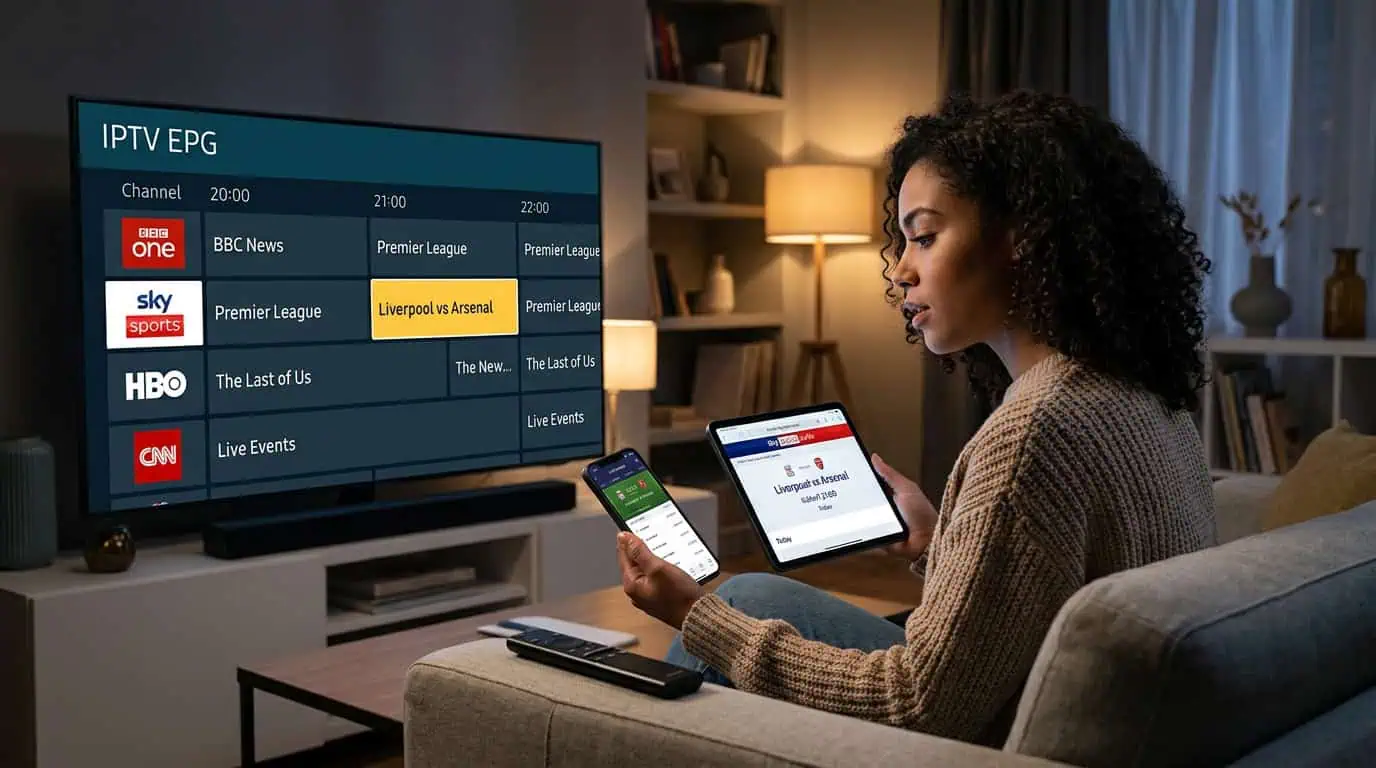
IPTV EPG accuracy matters because the electronic programme guide helps you see what is playing now and what comes next. A channel may stream correctly while its guide shows the wrong programme, an outdated time, or no information at all. Before relying on an IPTV TV guide, test several channels, compare the listed schedule with the actual broadcast, and check whether the guide updates correctly.
For viewers using BestLiveIPTV, this simple process can help them understand how reliable the guide is before choosing a plan or setting up their daily viewing routine.
What Is IPTV EPG Accuracy?
EPG stands for Electronic Programme Guide. It displays information such as:
- Channel names
- Current programmes
- Upcoming shows
- Start and end times
- Programme descriptions
- Sports or event schedules
IPTV EPG accuracy refers to how closely this information matches the real broadcast. A guide can be available but still have problems. For example, the channel name may be correct while the programme title or start time is wrong.
EPG data is usually delivered separately from the video stream. This means live channels can continue playing even when the guide is incomplete or outdated.
How Can You Test IPTV EPG Accuracy?
1. Check Several Different Channels
Do not judge the entire guide by checking only one channel. Test a small group from different categories, such as news, entertainment, sports, and international channels.
Look for:
- Correct channel names
- Current programme titles
- Upcoming programme information
- Consistent time listings
- Missing or duplicated entries
If the guide works for major channels but not for smaller or international channels, the issue may be limited to the available guide data.
2. Compare the Guide With the Live Broadcast
Open a channel and check what is actually playing. Then compare it with the programme shown in the EPG.
For example, if the guide says a news programme is playing but the channel is showing a sports event, the schedule may be delayed or incorrectly mapped.
Repeat this test at different times of the day. One correct listing does not always mean the full guide is accurate.
3. Check the Next Programme
A useful EPG should show more than the current programme. Check whether the next programme is listed correctly and whether its start time looks realistic.
This is especially useful for live sports, news, and scheduled entertainment. A guide that only displays current information may not provide a complete viewing experience.
4. Confirm the Device Time Zone
Incorrect time zones can make an accurate EPG appear wrong. If every programme is shifted by one or two hours, check the time and date settings on your streaming device.
Make sure:
- The device date is correct
- The device time is set automatically
- The correct time zone is selected
- Daylight saving settings are handled correctly where applicable
After correcting the time zone, refresh the EPG and check the schedule again.
5. Refresh the EPG Data
EPG information can become outdated because of cached data, a temporary server issue, or a change in the provider’s guide source.
If your IPTV player includes an EPG refresh option, update the guide manually. Then close and reopen the app if the changes do not appear immediately.
Avoid changing several settings at once. Test the guide after each adjustment so you can identify the actual cause.
What Causes Incorrect IPTV Guide Information?
Common causes include:
- Outdated EPG cache
- Incorrect time zone settings
- Missing guide data for certain channels
- Incorrect channel mapping
- Temporary provider-side issues
- Playlist changes
- An IPTV player that does not fully support the guide format
Not every EPG problem can be fixed inside the player. If only a few channels show incorrect information, the provider may not have complete guide data for those channels.
Does Every IPTV Package Include the Same EPG Quality?
No. IPTV packages can differ in channel coverage, guide availability, device support, and other features. A large channel list does not automatically mean the EPG will be accurate for every channel.
Before selecting a plan, check whether the service provides:
- EPG support
- Guide coverage for your preferred channels
- Multiple device compatibility
- Clear setup instructions
- Responsive customer support
- A trial option for testing the service
BestLiveIPTV provides setup information for devices such as Smart TVs, Fire Stick, Android, iOS, Windows, Mac, and MAG boxes. Users should still test the guide on their own device because EPG performance can vary by player and platform.
What Should You Do If the IPTV EPG Is Still Wrong?
Start by checking whether the problem affects one channel or the entire guide. If only one channel is incorrect, try another channel and report the specific issue to support. If the full guide is blank or shifted, refresh the EPG, verify the time zone, and restart the player.
When contacting BestLiveIPTV support, include:
- Your device type
- The IPTV player you use
- The affected channel names
- Whether live video is working
- Whether the guide is blank, delayed, or mismatched
- A screenshot if available
This information can help support identify whether the issue is related to your device, player, account, or guide data.
Final Thoughts
Checking IPTV EPG accuracy before trusting the TV guide can prevent missed programmes and confusing schedules. Test several channels, compare the listings with live broadcasts, verify your time zone, and refresh the guide when needed. If the issue continues, review the available IPTV packages and contact support for help.
Always use IPTV services and content that are properly authorized for your location.