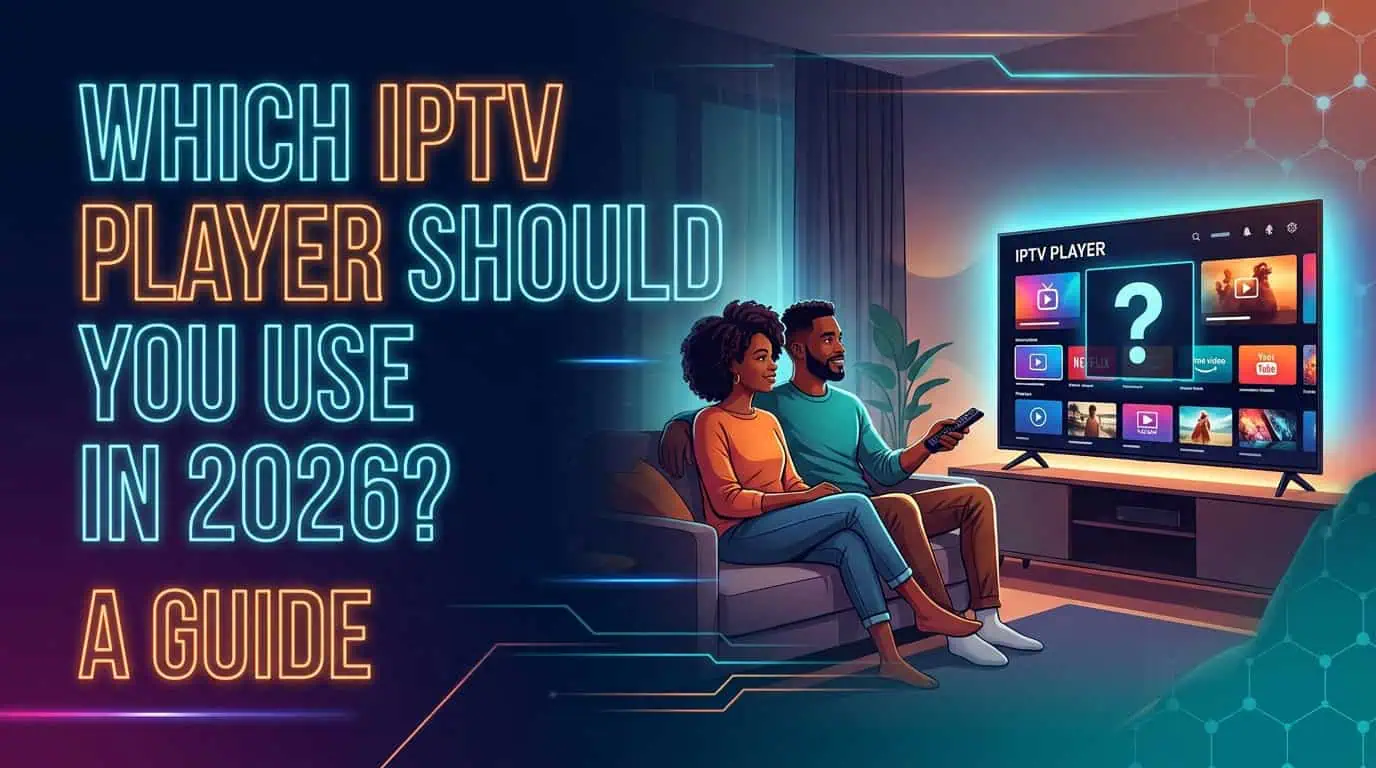
Choosing the right IPTV player can make a noticeable difference in how easily you browse channels, load playlists, view EPG information, and manage your viewing experience. The best choice depends mainly on your device, required features, and how you prefer to watch IPTV.
An IPTV player is the application used to display and play IPTV content. It is different from the IPTV service itself. Your service provides the content and access details, while the player provides the interface you use to watch and navigate that content.
What Should You Look for in an IPTV Player?
A good IPTV player should be compatible with your device and support the features you actually need. Playlist compatibility, channel navigation, EPG support, favorites, playback controls, and stability are some of the main factors to consider.
You should also consider how easy the player is to use. A player with many advanced options may not be useful if its interface makes basic channel navigation difficult.
Before choosing an app, check whether it supports your device and the playlist or login method provided by your IPTV service.
Which IPTV Player Is Best for Smart TVs?
For Smart TVs, usability is especially important because navigating with a remote control can be slower than using a phone or computer.
Look for a player with a simple interface, clear channel categories, responsive navigation, search, favorites, and EPG support. If you regularly browse a large channel library, search and category navigation can save considerable time.
Compatibility also matters. Samsung, LG, Android TV, and other Smart TV platforms may support different applications, so do not assume that every IPTV player will work on every television.
What Should You Look for in an IPTV Player for Firestick?
A Firestick IPTV player should be easy to navigate with a remote and should handle your playlist without making channel browsing unnecessarily complicated.
Features such as search, favorites, categories, EPG, and reliable playback controls can be particularly useful on a TV-connected streaming device.
Before installing an IPTV player for Firestick, check that the application is compatible with your Fire TV version and available through an appropriate source.
Which IPTV Player Works Well on Android?
Android provides more flexibility because IPTV players are available across phones, tablets, Android TV devices, and other compatible hardware.
When choosing an Android IPTV player, consider whether you need basic live TV playback or additional features such as multiple playlists, EPG, favorites, subtitles, recording support, or advanced playback settings.
A simple player may be enough for someone who watches a small number of channels, while users with larger libraries may benefit from stronger search and organization features.
What About IPTV Players for iPhone and iPad?
On iPhone and iPad, the most important considerations are app compatibility, interface design, playlist support, and playback performance.
Mobile viewing also makes quick navigation important. A player with a responsive search function can be more convenient than manually browsing a long channel list.
Before choosing an IPTV player for iOS, check its current App Store availability and the playlist formats it supports.
Why Does Playlist Support Matter?
Playlist support determines whether your IPTV player can properly load the access format provided by your service.
Some players support M3U playlists, while others may support additional login methods or playlist formats. The important point is to match the player with the access method supplied by your IPTV provider.
If the player cannot properly read your playlist, you may experience missing channels, incomplete categories, or other setup problems.
Does an IPTV Player Need EPG Support?
EPG support is useful if you want to see program schedules instead of simply browsing live channels.
An electronic program guide can display current and upcoming programs when compatible guide data is available. However, EPG performance depends on both the player and the guide information supplied with the IPTV service.
If you regularly plan your viewing around scheduled programs, EPG support should be one of the features you check before selecting a player.
How Do You Choose the Right IPTV Player?
Start with your device, then identify the features you actually use.
If you mainly watch on a Smart TV, prioritize remote-friendly navigation. For Firestick, focus on simple controls and responsive channel browsing. Android users may want more customization, while iPhone and iPad users should prioritize app compatibility and a clean mobile interface.
You can also review the available IPTV channels and consider how you expect to browse them. A large channel library makes search, categories, favorites, and EPG features more valuable.
Does the IPTV Player Affect Your Subscription?
The player and IPTV subscription are separate parts of the viewing setup. Changing the player does not necessarily mean changing your IPTV service.
However, the player can affect how you experience the service. Two players may display the same IPTV playlist differently, with different interfaces, search functions, EPG layouts, and playback options.
If you are comparing IPTV pricing plans, consider the service's supported devices and access methods alongside the features you want from your player.
Frequently Asked Questions
What is an IPTV player?
An IPTV player is an application that loads and plays IPTV content. It provides features such as channel navigation, playback, favorites, playlists, and sometimes EPG information.
Is an IPTV player the same as an IPTV service?
No. An IPTV service provides access to its content, while the IPTV player is the application used to display and play that content.
Can I use the same IPTV player on every device?
Not always. Player availability and compatibility vary between Smart TVs, Firestick, Android, iOS, computers, and other devices.
Does every IPTV player support M3U playlists?
No. Playlist and login support varies between applications. Check the player's supported formats before setting it up.
Is EPG important in an IPTV player?
EPG is useful if you want program schedules and easier access to current or upcoming shows. It is less important if you mainly select channels manually.
How do I troubleshoot an IPTV player?
Start by checking your playlist or login details, internet connection, player compatibility, and EPG settings. You can also check the IPTV FAQ or contact IPTV support for service-specific assistance.
Final Thoughts
The right IPTV player depends on your device and viewing habits rather than one universal app being suitable for everyone. Check compatibility first, then compare playlist support, search, favorites, EPG, navigation, and playback features.
Choosing a player that fits your device can make your IPTV setup easier to navigate and more comfortable to use.
For information about how IPTV works before choosing your setup, visit the IPTV how it works page.
Always use IPTV services and content that are properly authorized for your location.